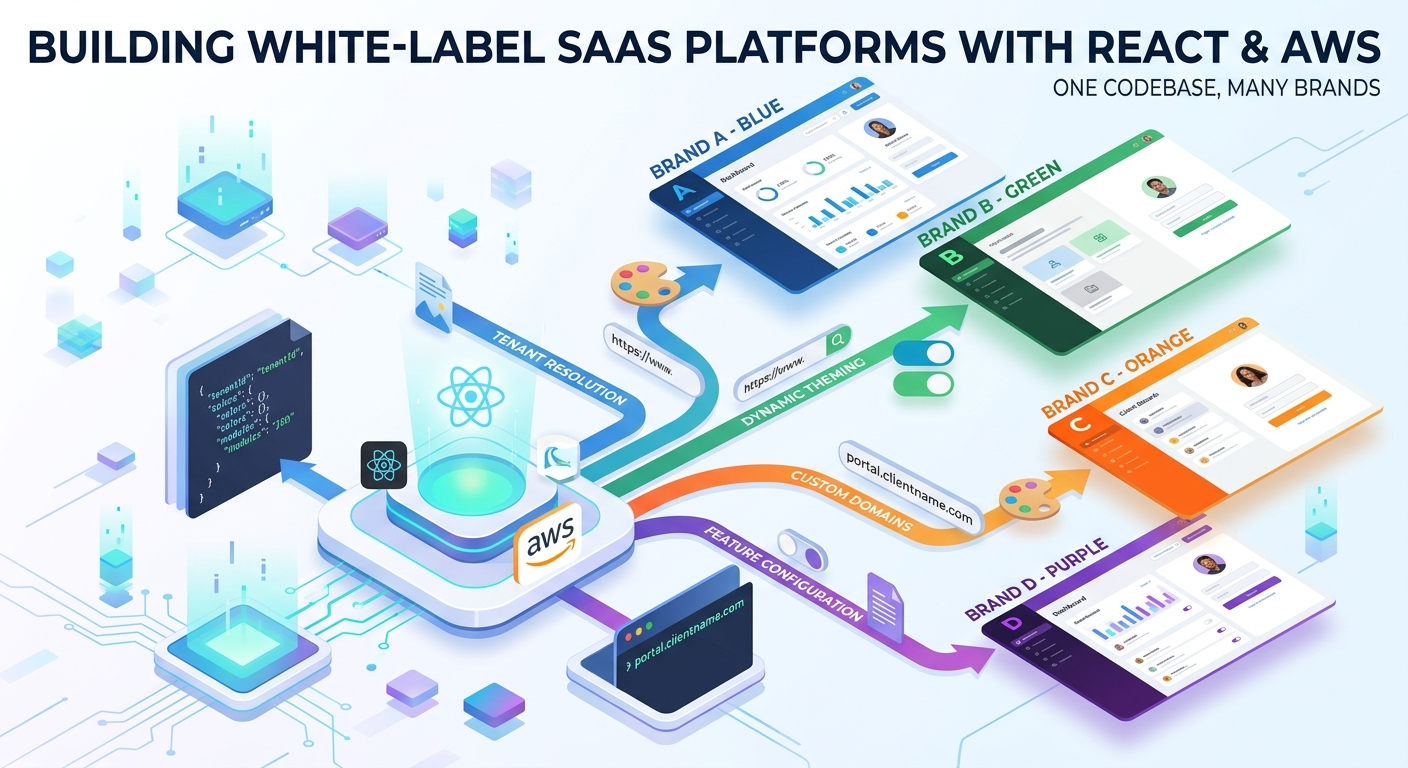
The request sounds harmless the first time you hear it.
“Can the next client have their own logo, their own colours, and their own domain?”
Of course they can. You swap a logo, drop in a few CSS variables, point a domain at the CDN, and everyone is happy. Then the fourth client asks for a different onboarding flow. The seventh wants an extra field on the enrolment form. The ninth needs one module hidden entirely because they do not sell that product.
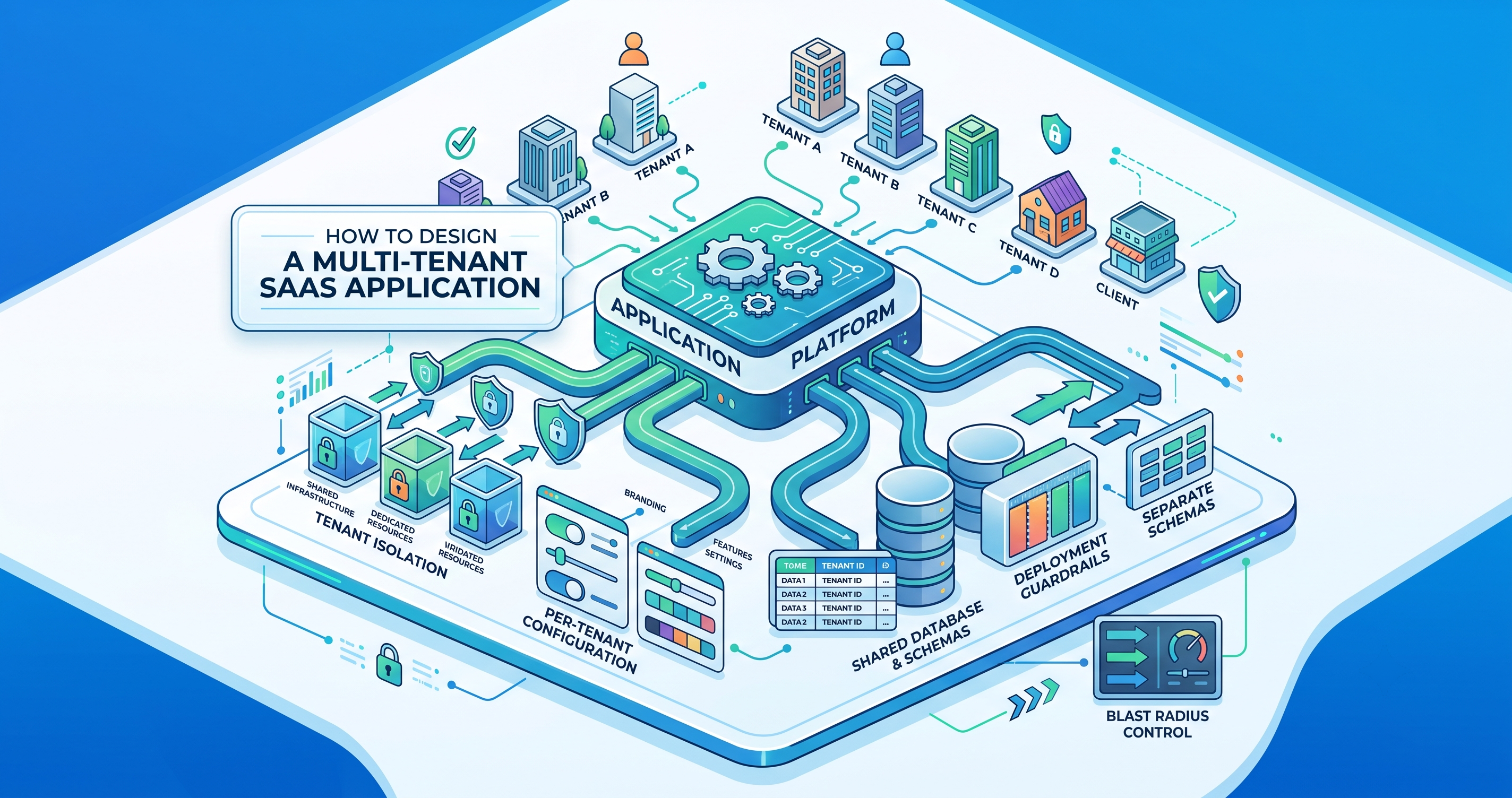
At that point you are standing at a fork, and the branch you pick decides the next three years of your life. One path is a copy of the codebase per client. The other is one codebase that knows who it is serving.
I have built and led platforms on the second path, and this is what it actually takes.
The rule that makes everything else possible
Write it on the wall before you write any code:
A new client must never require a new deployment.
Every decision below follows from that one sentence. If onboarding a client means a developer opens an editor, you have not built a white-label platform — you have built a template, and you will be maintaining ten forks of it by next year.
The practical test is simple. Can an admin add a client, upload a logo, pick colours, choose which modules are on, and have a working branded product without anyone merging a pull request? If yes, you have it. If no, you have homework.
Step one: know which tenant you are before you render anything
Every request has to answer one question before anything else happens: whose product is this?
There are three common ways to resolve it, and you will probably use more than one.
| Strategy | Looks like | Good for | Watch out for |
|---|---|---|---|
| Custom domain | portal.clientname.com | Enterprise clients who want their own brand | Certificate provisioning, DNS handover |
| Subdomain | clientname.yourapp.com | Fast onboarding, wildcard certificate covers it | Clients who insist on their own domain |
| Path prefix | yourapp.com/clientname | Internal tools and demos | Weak brand separation, cookie scoping |
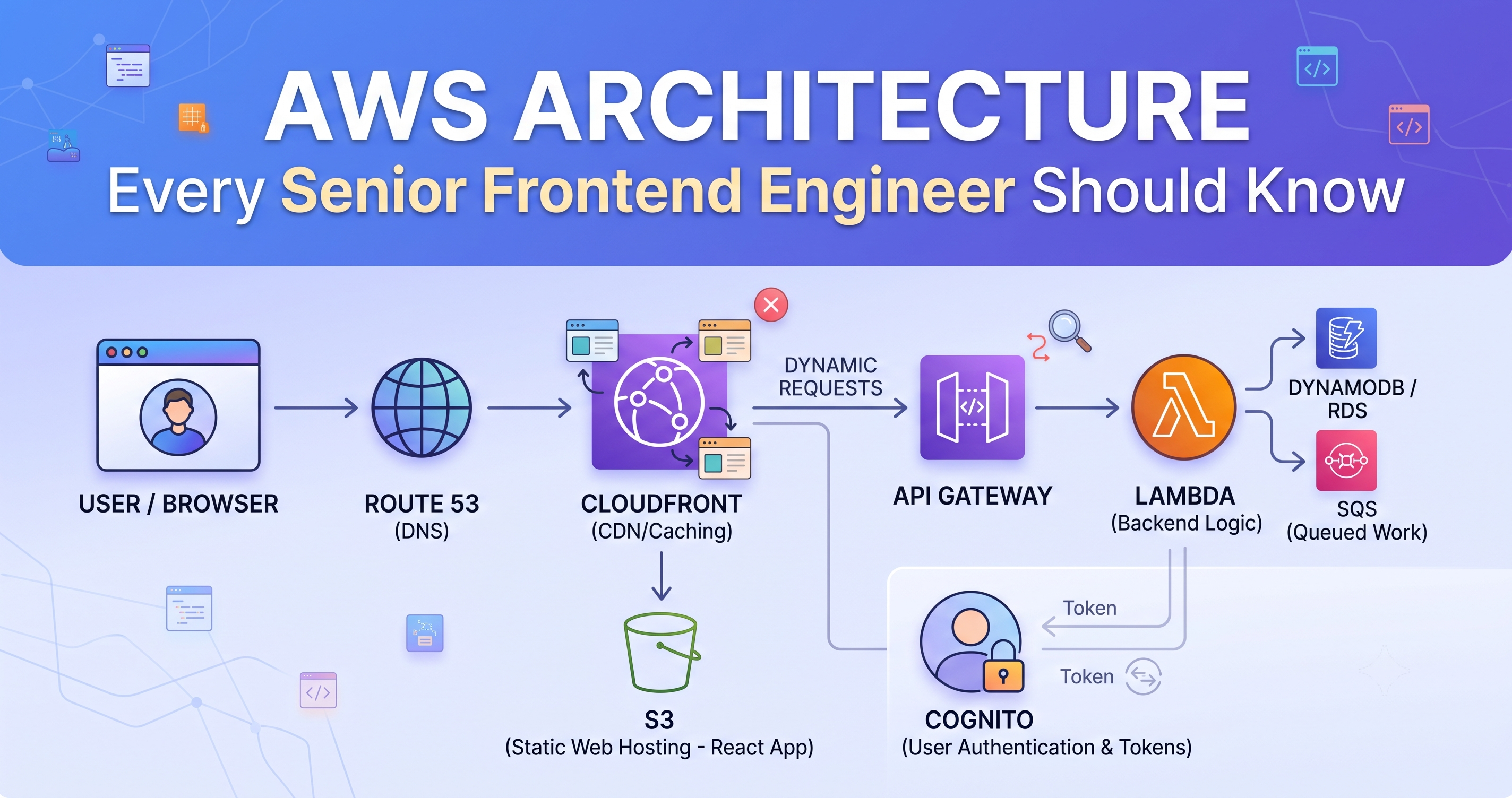
Resolve the tenant at the edge, not in the browser. If the React app has to boot, call an API, and then discover which brand it is, your user watches a flash of the wrong colours first. A Lambda@Edge function or a CloudFront function can look at the incoming Host header and attach the tenant before the request ever reaches your origin.
// CloudFront function — runs on every request, single-digit milliseconds
function handler(event) {
  var request = event.request;
  var host = request.headers.host.value;

  // portal.acme.com -> acme     acme.myapp.com -> acme
  var tenant = host.endsWith('.myapp.com')
    ? host.split('.')[0]
    : DOMAIN_TO_TENANT[host];

  if (!tenant) {
    return { statusCode: 404, statusDescription: 'Unknown tenant' };
  }

  request.headers['x-tenant'] = { value: tenant };
  return request;
}Reading the tenant from a value the client controls — a query parameter, a header set by the browser, a field in localStorage. Anything the user can edit is an authorisation bug waiting to happen. Derive the tenant from the hostname on the server, then carry it in a signed token. Never trust it from the client.
Step two: one configuration document per tenant
The temptation is to scatter tenant differences through the code as conditionals. Six months later you have if (tenant === 'acme') in forty files and nobody can tell you what Acme actually gets.
Instead, every difference lives in one document, fetched once at boot and cached hard.
{
  "tenantId": "acme",
  "name": "Acme Health",
  "theme": {
    "primary": "#0F62FE",
    "accent": "#24A148",
    "radius": "8px",
    "logo": "https://cdn.myapp.com/acme/logo.svg",
    "favicon": "https://cdn.myapp.com/acme/favicon.ico"
  },
  "modules": {
    "claims": true,
    "dental": true,
    "vision": false,
    "agentPortal": true
  },
  "enrolment": {
    "steps": ["profile", "dependents", "plan", "payment"],
    "fields": {
      "employeeId": { "required": true, "label": "Employee number" },
      "middleName": { "required": false }
    }
  },
  "support": { "email": "help@acmehealth.com", "phone": null }
}
Three things make this work in practice.
It is versioned. Configuration is data, but it behaves like code. Keep a history, know who changed what, and be able to roll back a client to yesterday.
It is validated on write, not on read. Run it through a schema when an admin saves it. A bad config should be rejected in the admin screen, not discovered by a user at 9am.
It has defaults. Every tenant inherits a base config and overrides only what differs. Otherwise adding a new setting means editing every client.
Step three: theming that does not fight you
Do not build one stylesheet per tenant. Build one stylesheet with holes in it, and let the configuration fill them.
:root {
  --brand-primary: #2563eb;   /* sensible default */
  --brand-accent:  #16a34a;
  --brand-radius:  6px;
}

.btn-primary {
  background: var(--brand-primary);
  border-radius: var(--brand-radius);
}function ThemeProvider({ theme, children }) {
useEffect(() => {
const root = document.documentElement;
root.style.setProperty('--brand-primary', theme.primary);
root.style.setProperty('--brand-accent', theme.accent);
root.style.setProperty('--brand-radius', theme.radius);
}, [theme]);
return children;
}Two rules keep this from decaying. No component ever hard-codes a brand colour — if it needs one it reads a token. And tokens are semantic, not literal: --brand-primary, not --acme-blue. The moment a variable is named after a client, the abstraction has already failed.
A client will eventually pick a pale yellow as their primary colour and your white button text will vanish. Run a contrast check when the admin saves the theme and warn them there, while it is still cheap to fix.
Step four: modules that can be switched off
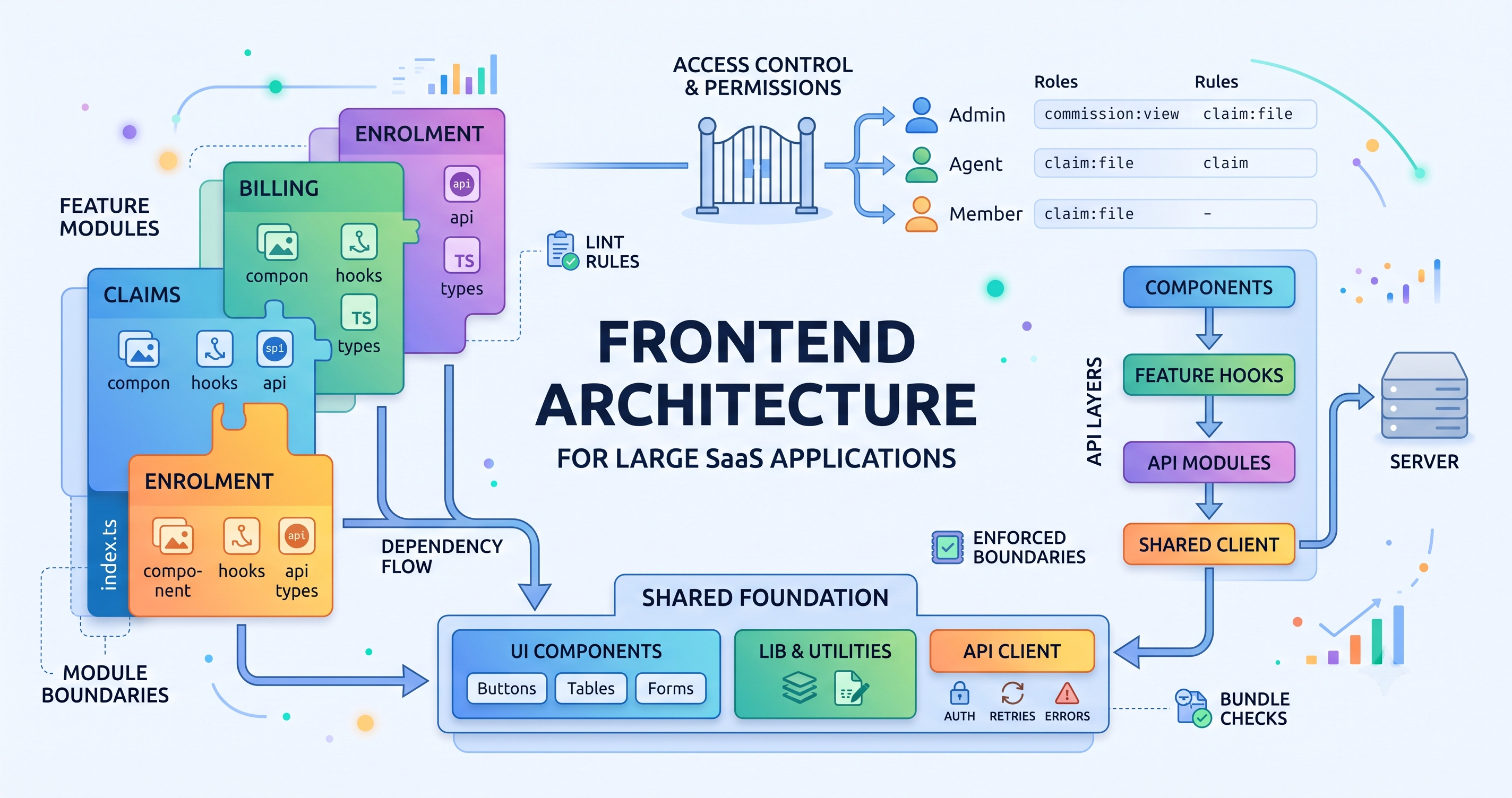
Feature flags per tenant are straightforward. What people underestimate is that a disabled module has to disappear from everywhere, not just the screen that renders it.
- The navigation item is gone
- The route is not registered, so a direct URL does not render a broken page
- The API rejects the call, because hiding a button is not access control
- Dashboards and reports do not leave an empty slot where the widget used to be
- Emails and generated documents do not reference it
// One guard, used at the route level rather than sprinkled through components
function ModuleRoute({ name, children }) {
  const { modules } = useTenant();
  if (!modules[name]) return <Navigate to="/" replace />;
  return children;
}{tenant === 'acme' && <ClaimsTab />}Names a client in the code. Every new client means another edit.
{modules.claims && <ClaimsTab />}Describes a capability. New clients are configuration, not code.
Step five: keep tenant data genuinely separate
Whatever the storage, the isolation rule is the same: a query without a tenant filter should be impossible to write, not merely discouraged.
The reliable way to achieve that is to stop trusting developers to remember. Put the tenant into the data access layer so it is applied whether or not anyone thought about it.
// The repository closes over the tenant; callers cannot forget it
function memberRepo(tenantId) {
  return {
    byId: (id) => db.get({ pk: `TENANT#${tenantId}`, sk: `MEMBER#${id}` }),
    list: (q) => db.query({ pk: `TENANT#${tenantId}`, ...q }),
  };
}
Then make it observable. Log the tenant on every request and every event. When something goes wrong at 2am, “which client is affected?” is the first question anyone will ask, and you want the answer to be one query away.
Step six: caching, where most of the bugs actually live
This is the part that catches teams out. Your CDN caches by URL. Two tenants on two domains requesting /index.html are two different cache entries, which is fine. But the moment you serve multiple tenants from the same origin path, or cache an API response that varies by tenant, you can leak one client's data into another client's browser.
Vary the cache key by tenant. If a response differs per tenant, the tenant must be part of the key. Not optional.
Never cache authenticated responses at the CDN unless you have thought very carefully about it and written down why it is safe.
Give the config a short TTL and an explicit purge. When an admin changes a logo they expect to see it, not to be told about cache warming.
What you get for the effort
The payoff is not elegance. It is that client requests stop consuming engineering time.
“Can we change the accent colour?” becomes a settings change. “Can we hide the dental module?” becomes a toggle. “Can we add a field to enrolment?” becomes a form-builder entry. None of those reach a sprint board, and none of them risk breaking the other nine clients, because there is only one codebase and it is exercised by everyone every day.
That is the real argument for white-label done properly. Not that it is cleaner — that it moves the majority of client requests out of engineering entirely, and keeps the team working on the product rather than on variations of it.
If you take one thing
Every time you are tempted to write the name of a client inside your codebase, stop and ask what capability you are actually describing. Configure that instead.
Do that consistently and the tenth client costs you an afternoon. Skip it, and the tenth client costs you a rewrite.