Here is a ticket I have received more times than I can count.
“Sometimes when I submit the enrolment form it fails. I tried again and it worked. It happened twice yesterday.”
No screenshot. No error message. No steps to reproduce, because the user cannot reproduce it either. You open the app, submit the form forty times, and it works forty times.
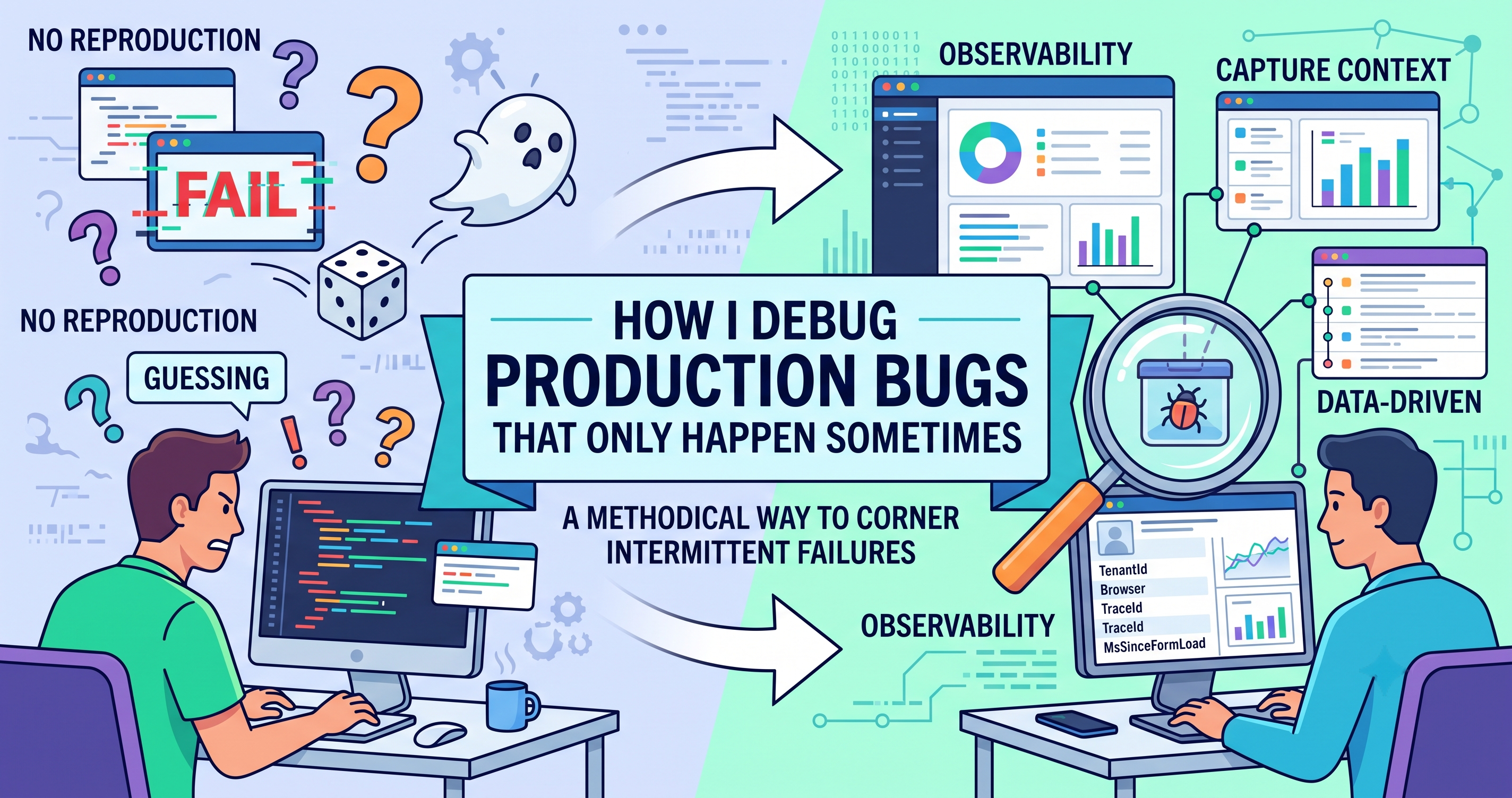
This is the worst class of bug, and it is worst for a specific reason: the usual debugging loop does not apply. You cannot change something and observe the result, because you cannot make the failure happen on demand. So people fall back on guessing, shipping a speculative fix, and waiting to see if the complaints stop. That is not debugging. That is gambling with a deploy pipeline.
There is a better way, and it starts by refusing to touch the code.
Rule one: do not fix anything yet
The instinct is to look at the form component and start hardening it. Resist it. Every speculative fix you ship makes the next investigation harder, because now you cannot tell whether the behaviour changed because of your fix or because the underlying condition simply did not occur this week.
Your first job is not to fix the bug. It is to make the bug observable.
Rule two: intermittent means conditional, and conditions are findable
“Random” is almost never random. It means there is a variable you are not looking at. In six years I have found that intermittent production bugs cluster into a small number of causes:
| Category | What varies | Classic symptom |
|---|---|---|
| Timing | Order of two async operations | Fails on slow connections, never on yours |
| State | What the user did before this action | Only fails on the second submit, or after a tab switch |
| Data | One record differs from the rest | Fails for exactly one client, or one member |
| Scale | Concurrency, payload size, list length | Fails at month end, or for the large account |
| Environment | Browser, device, network, region | Fails on Safari, or on mobile data |
| Infrastructure | Cold start, timeout, retry, cache | Fails after a quiet period, or right after deploy |
The whole investigation is just working out which column you are in. Once you know that, the fix is usually obvious.
Rule three: capture context at the moment of failure
You cannot reproduce it, so you have to let production do the reproducing and make sure it tells you everything when it happens.
This is the single highest-value change you can make. When an error is reported, capture the state that surrounds it, not just the message.
function reportFailure(error, context = {}) {
  send({
    // what happened
    Error: error?.message ?? String(error),
    Stack: error?.stack,

    // who and where
    TenantId: session.tenantId,
    UserId: session.userId,
    Route: window.location.pathname,
    TraceId: crypto.randomUUID(),

    // the environment
    Browser: navigator.userAgent,
    Online: navigator.onLine,
    Connection: navigator.connection?.effectiveType,   // '4g', 'slow-2g'
    ViewportWidth: window.innerWidth,

    // the state that actually matters
    ...context,
  });
}
Then use it where the failure lives, with the local state attached:
try {
  await submitEnrolment(values);
} catch (error) {
  reportFailure(error, {
    Source: 'enrolment-submit',
    Step: currentStep,
    DependentCount: values.dependents.length,
    HasMiddleName: Boolean(values.middleName),
    RetryAttempt: attempt,
    MsSinceFormLoad: Date.now() - formOpenedAt,
  });
  setError('We could not submit that. Please try again.');
}Each one is a hypothesis. DependentCount tests the data theory. MsSinceFormLoad tests session expiry. RetryAttempt tests idempotency. Connection tests timing. You are not logging for the sake of logging — you are instrumenting the columns from the table above.
Rule four: let the data tell you which column
Within a day or two you will have twenty or thirty events. Now the question changes from “why does this fail?” to “what do the failures have in common?”
This is why high-cardinality event data matters more than log lines. You want to slice the same set of failures by every field you captured and watch for a field where the distribution is obviously wrong.
Group by tenant. If all failures are one client, it is data or configuration, not code.
Group by browser and connection type. A cluster on slow-2g or Safari is a timing or compatibility answer.
Group by your custom fields. If every failure has DependentCount > 4, you have found it in one query.
Look at the time of day. Failures clustered at 2am usually mean a scheduled job, a vendor feed, or a cold start.
I have had investigations end here, in about ten minutes, after two weeks of the bug being “unreproducible”. It was unreproducible because nobody had written down what was different.
The four causes I hit most often
1. A race that only loses on a slow network
Two requests fire, the code assumes the first finishes first, and on your office wifi it always does. On a phone on mobile data, sometimes it does not.
// The bug: whichever response arrives last wins, not whichever was asked for last
useEffect(() => {
  fetchPlans(filters).then(setPlans);
}, [filters]);// The fix: discard responses that are no longer current
useEffect(() => {
const controller = new AbortController();
fetchPlans(filters, { signal: controller.signal })
.then(setPlans)
.catch((e) => { if (e.name !== 'AbortError') throw e; });
return () => controller.abort();
}, [filters]);Open dev tools, throttle the network to Slow 3G, and try again. A startling share of “random” frontend bugs become fully deterministic the moment you stop testing on a fast connection.
2. A token that expires mid-session
The failure happens to users who leave a tab open over lunch. Their access token expires, the refresh happens on the next call, and any request that was already in flight fails with a 401 that nothing handles.
The tell in your data is a high MsSinceFormLoad on every failure. The fix is a single refresh queue: when a 401 arrives, refresh once, hold the other requests, and replay them.
3. One record that is not like the others
Ninety-nine members have a middle name. One has a null where the code expects a string. One has an apostrophe in their surname that breaks a downstream call. One was created before a migration and is missing a field entirely.
The tell is that failures cluster on a single user or a single client. The fix is defensive parsing at the boundary, plus a query to find out how many other records look like that one.
4. A cold start pushing you past the timeout
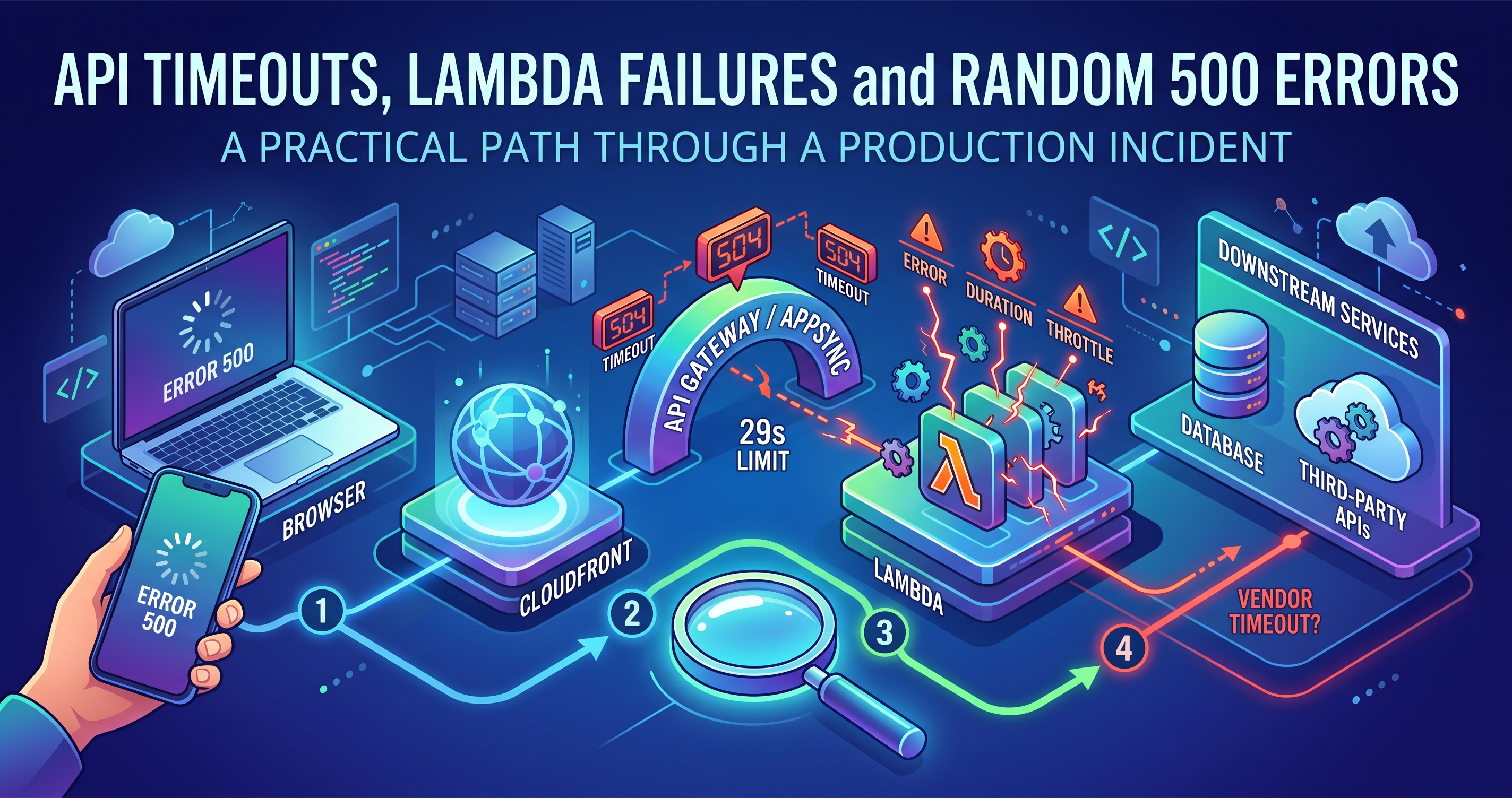
The API gateway times out at 30 seconds. The Lambda usually responds in 400ms. But after a quiet period it cold-starts, the VPC attachment adds latency, a downstream vendor is slow, and the total creeps past the limit.
The tell is failures after idle periods, or clustered right after a deploy when every container is cold. Look at the difference between duration and billed duration in your function metrics — the gap is the initialisation cost.
The method, in order
Do not fix anything. Speculative fixes destroy the evidence.
Write down what you know. Which users, which clients, what time, how often. Vague reports get vague investigations.
Instrument the failure path with the fields that would distinguish your candidate causes.
Wait for real occurrences. This feels passive. It is the fastest step you will take.
Slice the events until one dimension stands out.
Reproduce deliberately using what you learned — throttle the network, use that exact record, force a cold start.
Fix, then verify with the same query that told you about it. The bug is closed when the events stop, not when the code changes.
What to tell the client while you are doing this
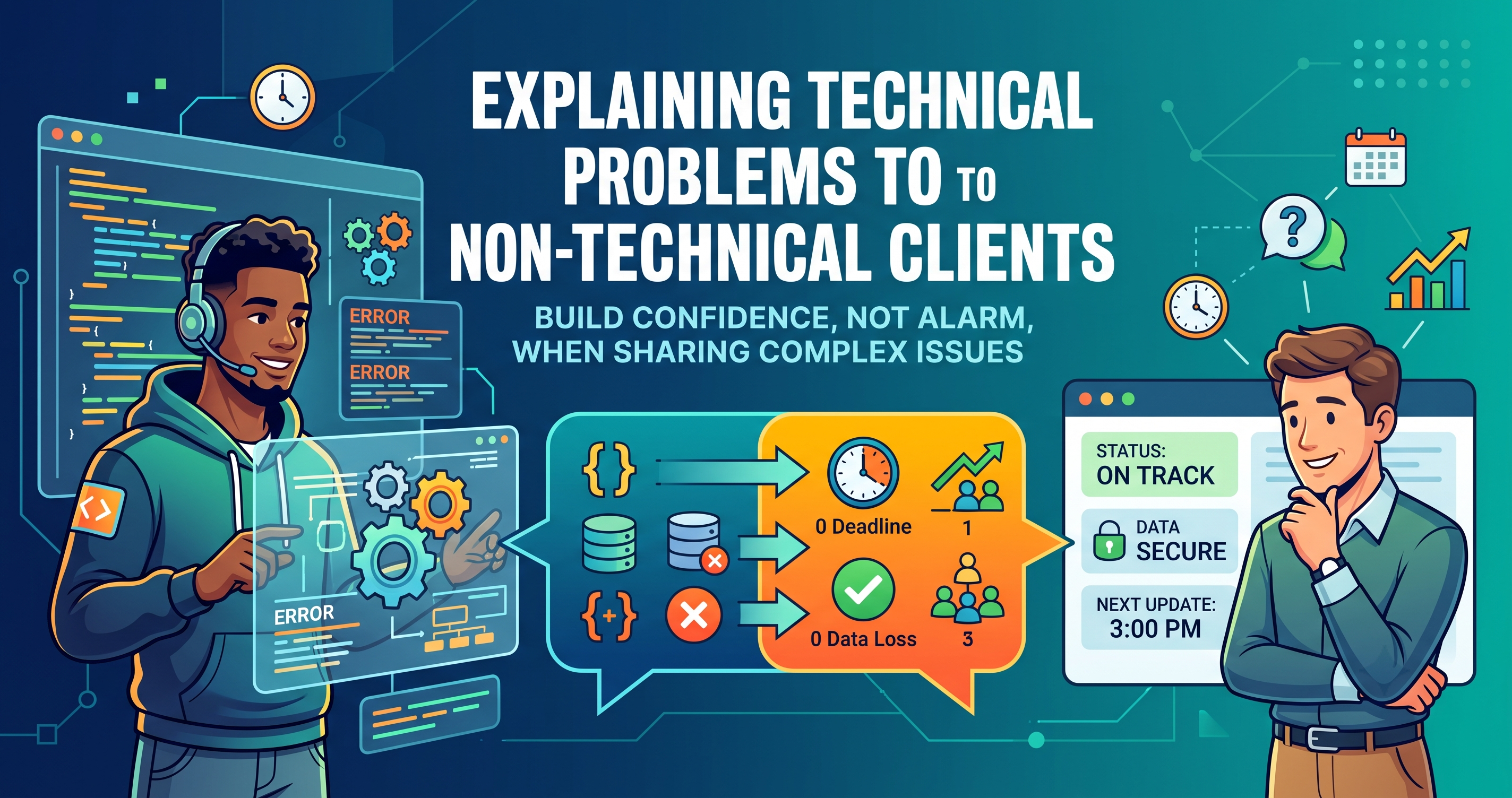
You will be asked for an update before you have an answer. Do not say “we cannot reproduce it” — that sounds like “we do not believe you”.
Say what is true and specific: the failure affects a small number of submissions, you have added tracking to capture the exact conditions, you expect to have the pattern within a few days, and here is the workaround in the meantime. People are remarkably patient with a process they can see. They are not patient with silence.
The habit worth building
Every unexplained production failure is a gap in your instrumentation before it is a gap in your code.
After each of these investigations, ask what field would have made it a five-minute answer, and add it permanently. Do that a dozen times and intermittent bugs stop being frightening — they become a query you already know how to write.