Everyone wants their website on the first page of Google. Almost nobody clicks through to the second. So how do you make sure your site is one of the ones people actually see?
The answer is SEO - Search Engine Optimization. With the right approach you can improve visibility, attract more visitors and turn more of them into customers. This guide covers the fundamentals from the ground up, assuming no prior knowledge.
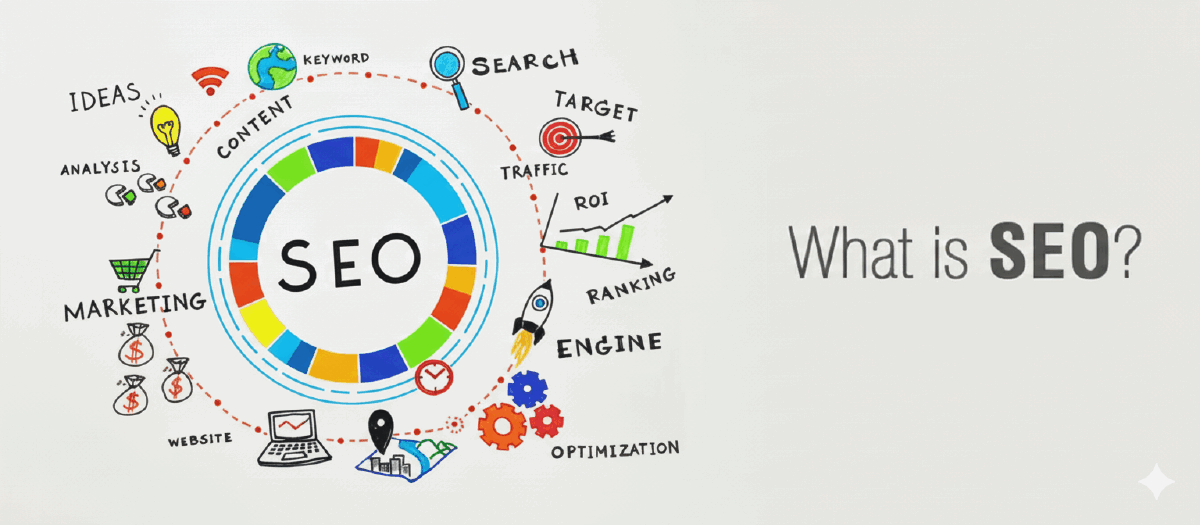
What is SEO?
SEO stands for Search Engine Optimization. It is the practice of improving your website so it ranks higher on search engine results pages.
The commercial logic is simple: the more people who reach your site, the more chances they have to explore what you offer. The hard part is attracting them in the first place - and that is what SEO addresses.
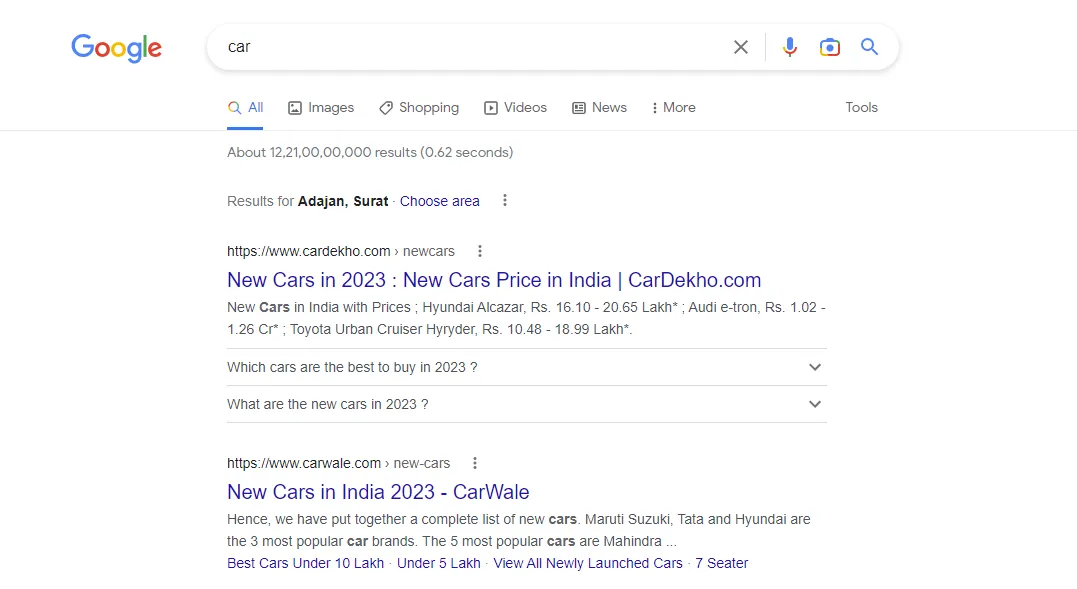
Search for "car" and you will see dealerships, manufacturers and related articles. Most people click one of the first few results, and only a small fraction ever reach page two. That is why position matters so much, and why SEO exists as a discipline.
How does SEO actually work?
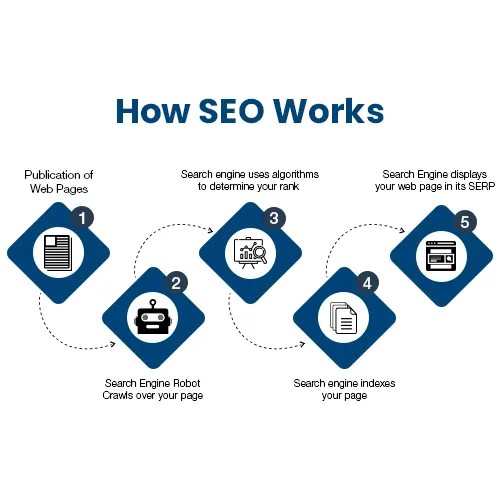
The process is more straightforward than it sounds. When you publish information, search engines crawl your pages, analyse the content, and store it in a database - a step called indexing.
When someone searches for a phrase, the engine queries that index for the most relevant matches. If your content matches the intent behind those terms and is structured properly, your page appears in the results with a position based on relevance and quality.
Three stages, in order:
Crawling - a bot discovers your page by following links or reading your sitemap.
Indexing - the content is analysed, understood and stored.
Ranking - when someone searches, the index is queried and results are ordered by relevance.
What is content relevance?
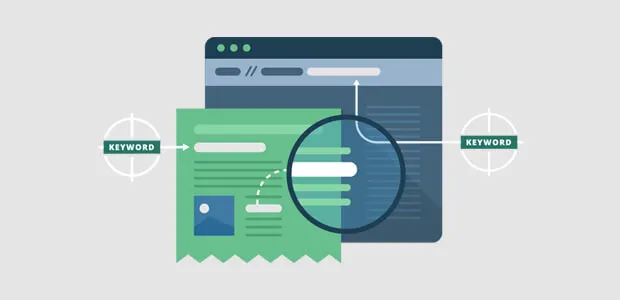
Every page carries information about itself: a title, a description, keywords describing the topic, and for articles, an author. Content relevance is simply how well all of that - and the body copy underneath it - matches what people are actually searching for.
The critical thing to understand is that ranking does not depend on having this information. It depends on how strong and genuinely relevant it is. Your content needs to describe what you offer in the same language your audience uses when they go looking for it.
How do you tell a search engine about your page?
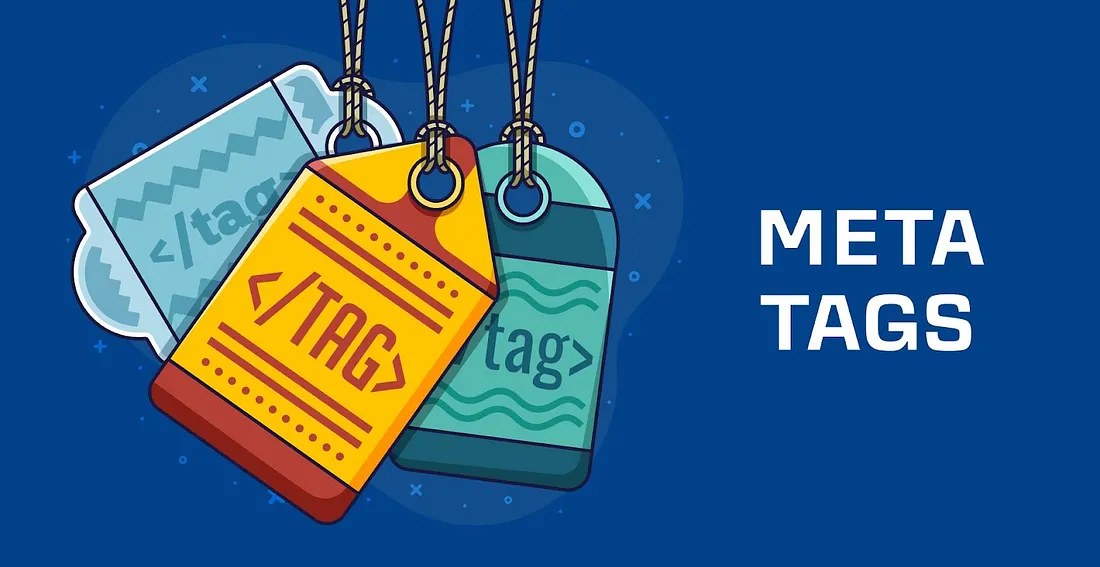
The answer is meta tags. Just as a page is built from HTML elements like <body>, <div>, <p> and <button>, there is a special element called <meta>.
Think of a shopping mall: every product carries a label with its name, description and price. Meta tags are that label for your page - telling search engines what it is about so they can index it correctly.
They live inside the <head> of your document, and most take two attributes: a name identifying the type of information, and a content value holding it.
<meta name="description" content="A beginner's guide to SEO." />Some are general-purpose. Others are platform-specific - Open Graph tags, originally created by Facebook, let social platforms and messaging apps render a rich preview of your link.
<meta property="og:title" content="What Is SEO?" />Some crawlers stop reading the <head> after a certain point. If your tags do not seem to be picked up, move them nearer the top of the head, before large inline scripts or styles.
How does a search engine know what to crawl and what to skip?
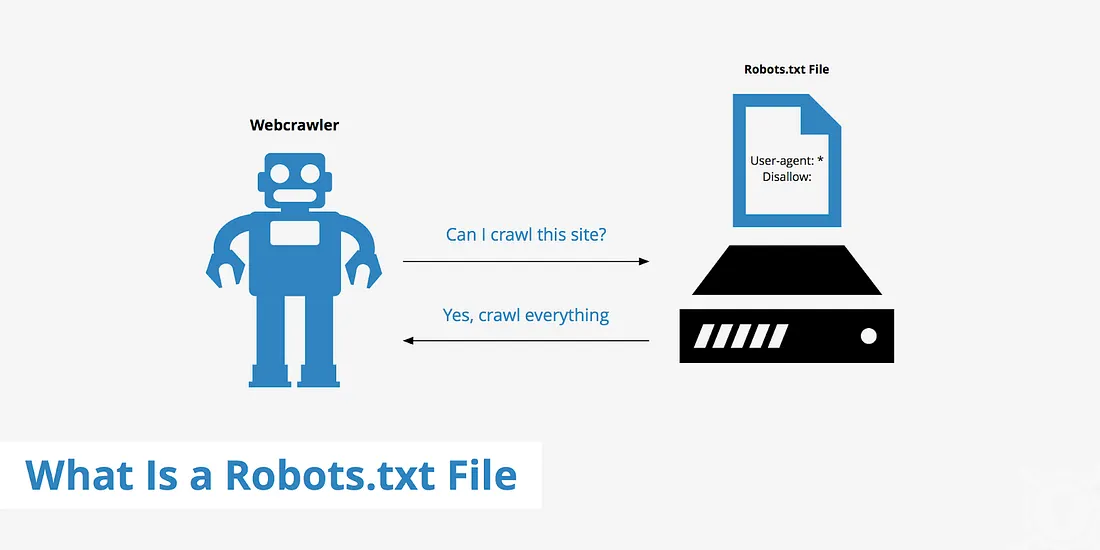
Most sites contain areas that should never appear in search results - admin panels, internal dashboards, staging pages. Two files control this.
sitemap.xml
Your sitemap is a shopping list for search engines. It lists the important pages on your site along with their URLs, priorities and last-modified dates, so crawlers can work through your site efficiently and notice updates.
<?xml version="1.0" encoding="UTF-8"?>
<urlset xmlns="http://www.sitemaps.org/schemas/sitemap/0.9">
  <url>
    <loc>https://example.com/</loc>
    <lastmod>2026-02-01</lastmod>
    <priority>1.0</priority>
  </url>
</urlset>
Reference: sitemaps.org/protocol.html
robots.txt
robots.txt is a set of instructions telling crawlers which parts of your site not to visit. You might allow product pages while blocking admin routes entirely.
User-agent: *
Disallow: /admin/
Disallow: /internal/
Allow: /

Sitemap: https://example.com/sitemap.xml
Reference: robotstxt.org
robots.txt controls crawling, not indexing. A blocked page can still appear in results if other sites link to it. To genuinely keep a page out of the index, let it be crawled and use <meta name="robots" content="noindex"> - and never rely on either as a security measure. robots.txt is public.
How does a search engine find out you exist?
You tell it. Submit your site to the search console of the engine you want to appear on - for Google, that is Google Search Console.
Once submitted, Google will crawl your site, index its pages, and over time show them in results - provided your content is genuinely relevant and your metadata is in place. Search Console also becomes your diagnostic tool: which pages are indexed, which queries you appear for, and what is blocking the rest.
The meta tags actually worth using
You will find lists online with forty or fifty meta tags. Most are obsolete, ignored, or were never standard to begin with. This is the set that genuinely earns its place in 2026:
<!-- Essential -->
<meta charset="UTF-8" />
<meta name="viewport" content="width=device-width, initial-scale=1" />
<title>Page title, 50–60 characters</title>
<meta name="description" content="A summary of 155–160 characters." />
<link rel="canonical" href="https://example.com/page/" />
<meta name="robots" content="index, follow, max-image-preview:large" />

<!-- Open Graph - link previews on social and messaging apps -->
<meta property="og:type" content="article" />
<meta property="og:title" content="Page title" />
<meta property="og:description" content="Page summary" />
<meta property="og:url" content="https://example.com/page/" />
<meta property="og:image" content="https://example.com/preview.png" />
<meta property="og:site_name" content="Your Site" />

<!-- Twitter / X -->
<meta name="twitter:card" content="summary_large_image" />
<meta name="twitter:title" content="Page title" />
<meta name="twitter:description" content="Page summary" />
<meta name="twitter:image" content="https://example.com/preview.png" />

<!-- Nice to have -->
<meta name="author" content="Your Name" />
<meta name="theme-color" content="#08090c" />
<link rel="alternate" hreflang="en" href="https://example.com/en/page/" />keywords (ignored by Google since 2009), revisit-after, rating, distribution, coverage, subject, copyright and language do nothing for your ranking. Removing them makes your <head> easier to maintain and costs you nothing.
Structured data: the modern addition
Meta tags describe a page. Structured data describes what is on it, in a format machines can read unambiguously - and it is what powers rich results like ratings, FAQs and article cards.
<script type="application/ld+json">
{
  "@context": "https://schema.org",
  "@type": "Article",
  "headline": "What Is SEO? A Step-by-Step Guide for Beginners",
  "author": { "@type": "Person", "name": "Abhay Darji" },
  "datePublished": "2023-02-08",
  "image": "https://example.com/preview.png"
}
</script>
Custom meta tags for your own use
Meta tags are also a tidy place to store configuration your JavaScript needs, rather than hard-coding values into your scripts:
<meta name="app-version" content="2.4.1" />
<meta name="analytics-id" content="G-XXXXXXX" />const version = document
.querySelector('meta[name="app-version"]')
?.getAttribute('content');That is the foundation
Apply these steps and your site becomes visible to search engines and starts attracting organic traffic. This is only the beginning - there is a great deal more depth in performance, structured data, internal linking and content strategy - but everything else builds on exactly these fundamentals.
Thank you for reading, and happy optimising.