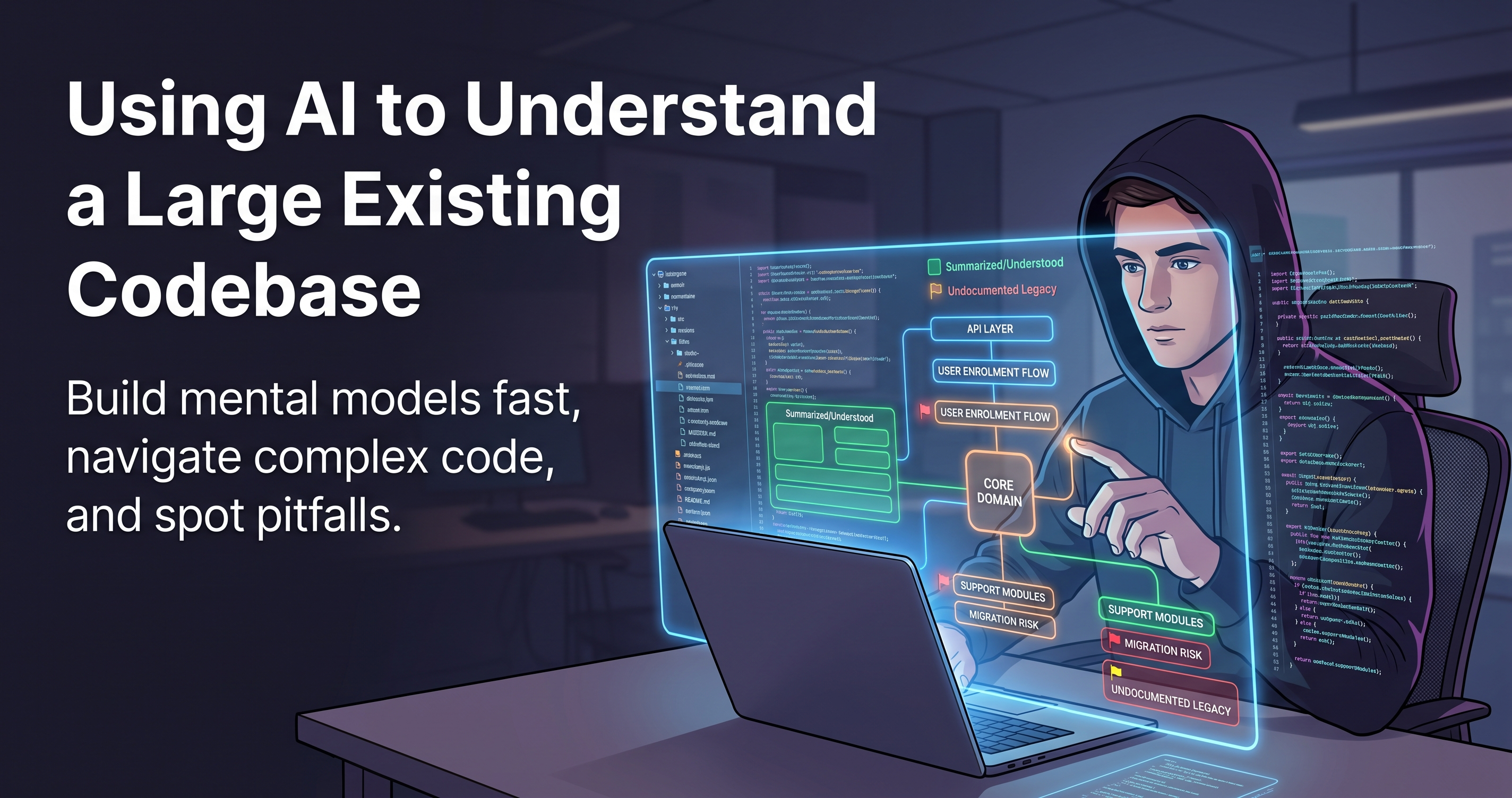
You join a project on Monday. The repository has two hundred thousand lines, eleven contributors over four years, six of whom have left, and documentation that was accurate in 2023.
Your first ticket is small. The problem is you cannot tell whether the change is genuinely small, because you have no idea what else touches the thing you are about to modify.
The traditional answer is: read a lot, ask a lot, break something, learn from it. That still works. It is also slow, and AI tooling has made a specific part of it dramatically faster — provided you use it for the right part.
What it is good at, and what it will get wrong
Be clear about this before you start, because the failure mode is subtle.
Summarising what a file does. Tracing a call path. Explaining unfamiliar syntax or an obscure library. Spotting inconsistencies between two files. Turning a wall of code into a paragraph.
Why something was written that way. Whether code is actually used. Which of two similar modules is current. Anything that depends on history, a production incident, or a conversation that happened in a meeting.
The pattern: it is excellent at describing what the code says and unreliable at why it says it. Most of the expensive knowledge in an old codebase is in the second category.
Start with the map, not the code
The instinct is to open the file for your ticket. Do not. You will read three hundred lines and understand none of them, because you have no frame to hang them on.
Start one level up:
Here is the directory structure and the package.json.

Do not suggest improvements. Tell me:
1. What this application does, in three sentences
2. The main modules and what each is responsible for
3. Which directories look like the core domain, and which are support
4. Anything in this structure that suggests two different eras of the codebase
Point four is the one I care about most. Large codebases almost always contain evidence of a migration that never finished — an old services/ folder beside a newer features/, two HTTP clients, a partially adopted state library. Knowing that on day one saves you from following the wrong pattern in your first pull request.
Trace the path that matters to your ticket
Once you have a map, narrow to a single flow. Not “explain the codebase” — one journey, end to end.
Trace what happens when a user submits the enrolment form.

Start at the component and follow it as far as you can:
component → hook → api layer → request

For each hop, name the file and function. Tell me where validation
happens, where errors are caught, and where state is written.
If you cannot follow a step, say so rather than guessing.
That last sentence matters enormously. Without it you get a plausible, continuous narrative with invented steps in the middle. With it you get an honest map plus a list of the exact places you need to read yourself.
If it says “this is called from useEnrolment”, grep for it. Roughly one claim in ten is a confident invention, and in an unfamiliar codebase you have no instinct to catch it. Treat the output as a set of leads to check, not a set of facts.
The questions that pay for themselves
“What assumptions does this make?”
More useful than “what does this do?”, because assumptions are where bugs live.
For this function, list every assumption it makes about its inputs
and about the state of the system when it runs. Include the implicit
ones — ordering, non-null fields, things it assumes were called first.
“What breaks if I change this?”
Before touching shared code, ask what depends on the behaviour you are about to alter. Then verify with a real search, because it can only see what you showed it.
“What does not fit the pattern?”
Give it three files that do similar things and ask where they diverge. The divergence is almost always where someone handled a special case, and that special case is usually the thing your ticket is really about.
“Explain this to me as if I am reviewing it”
Reframing from “explain” to “review” changes the output substantially. You get the risky parts and the odd decisions instead of a neutral description.
The thing it cannot give you, and how to get it
The most valuable knowledge in an old codebase is why, and that is not in the code. It is in commit messages, pull request discussions, incident notes, and people's memories.
So pair the tooling with the repository's own history:
# Who has touched this file, and when did it last change meaningfully?
git log --follow --oneline -- src/features/enrolment/eligibility.ts

# What did this specific line look like before, and why did it change?
git log -L 40,60:src/features/enrolment/eligibility.ts
Then paste a commit message and its diff and ask what problem it was solving. That combination — history plus explanation — is far stronger than either alone, and it is how you find the comment that says // vendor sends these out of order, do not remove.
“What part of this codebase would you warn a new person about?” Nobody writes that down, everyone who has been there a year knows the answer, and it takes them thirty seconds to tell you.
Write down what you learn, as you learn it
The window where you can see what is confusing closes fast. In three months you will have absorbed the oddities and stopped noticing them.
So keep a running document from day one — what each module does, the flows you have traced, the traps you hit, the things that turned out not to be true. Use the tooling to tidy it up rather than to write it, because the value is in your corrections.
This is genuinely the best onboarding documentation a team can have, and it can only be written by someone who has just arrived.
A first week that actually works
Day one — the map. Structure, modules, eras. No individual files yet.
Day two — one flow, traced end to end and verified against the actual code.
Day three — the data model. Entities and relationships. Everything else makes more sense afterwards.
Day four — git archaeology on the two or three files your work will touch.
Day five — a small change, shipped. Nothing teaches a codebase like putting something through its pipeline.
The line that keeps this honest
It is a very fast way to build a mental model. It is not a substitute for having one.
Use it to decide what to read. Do not use it to avoid reading.
The engineers who onboard fastest are not the ones who ask the most questions of a tool. They are the ones who use it to get to the right three hundred lines by Tuesday instead of Friday — and then read those three hundred lines properly.