What Frontend Developers Actually Need to Know About AI
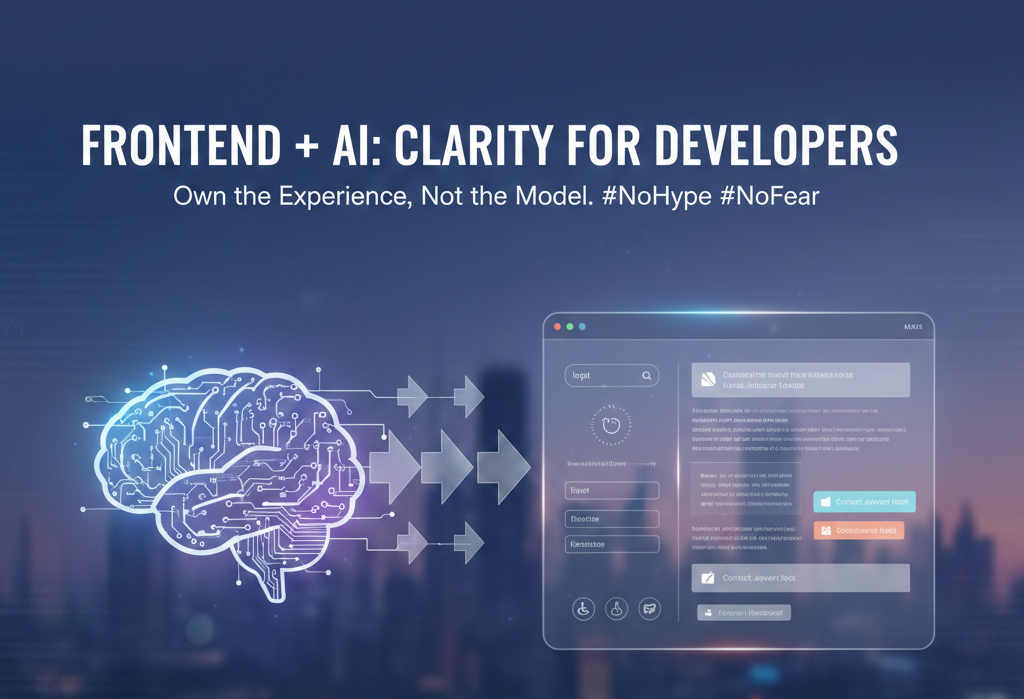
AI is everywhere right now — demos, tools, job descriptions, tweets, and product roadmaps.
For frontend developers, especially those with a React + UI-first background, this creates confusion, pressure, and sometimes unnecessary fear.
Let’s reset the conversation. This isn’t about becoming an AI engineer. It’s about understanding how AI actually intersects with frontend development in a practical, calm, and useful way.
No hype.
No fear.
Just clarity. 🧠
🚫 Myth #1: “Frontend Developers Must Learn Machine Learning”
Let’s start by removing the biggest misconception.
You do NOT need to:
- ❌ Train neural networks
- ❌ Learn advanced math or statistics
- ❌ Build LLMs from scratch
- ❌ Read research papers every week
What you do need is AI literacy, not AI specialization.
👉 Think of AI like browsers or cloud services:
- You don’t build Chrome
- You understand how Chrome behaves, performs, and fails
AI is becoming a platform capability, not a replacement for frontend skills.
🧩 AI Is a Capability Layer, Not a Feature
One common mistake teams make is saying:
Let’s add AI to this screen.
That’s the wrong mindset ❌
The better question is:
Where does intelligence reduce friction for the user?
🎯 Where AI naturally fits in UI:
- ✨ Smart defaults instead of empty forms
- 🔍 Predictive suggestions instead of manual typing
- 🧠 Context-aware hints and helpers
- 🗣️ Natural language input instead of rigid fields
AI should feel invisible and helpful, not flashy and forced.
🎨 Frontend Developers Own the AI Experience
This part is critical 👇
🧠 AI output is not the product.
🖥️ The UI around it is the product.
As a frontend developer, you decide:
- How AI responses are displayed
- How loading and “thinking” states feel
- How uncertainty or low confidence is shown
- How users correct, retry, or refine AI output
Important UX questions only frontend devs answer:
- ⏳ What does “AI is thinking” look like?
- 🧩 Do we stream responses or wait?
- ⚠️ How do we show errors or bad outputs?
- 🔄 How can users undo or retry safely?
These are UX + UI problems, not ML problems — and they sit firmly in frontend territory.
✍️ Prompting = The New Input Design
Prompts are just inputs with higher impact.
Frontend developers already design:
- Forms
- Search boxes
- Filters
- Validation rules
Prompting is simply the next evolution of that skill.
🛠️ Practical prompting skills for frontend devs:
- Structuring user input before sending to AI
- Adding hidden system instructions (guardrails)
- Splitting large prompts into reusable parts
- Preventing vague, unsafe, or broken inputs
💡 In many apps, users never even see the prompt —
you generate it for them through UI choices.
That makes prompting a design responsibility, not just a technical one.
🔄 AI Changes State Management (A Lot)
Traditional frontend logic looks like this:
Input → Predictable Output
AI-driven logic looks like this:
Input → Probabilistic Output → User Feedback → Iteration
This introduces new UI challenges:
- 🌀 Non-deterministic results
- ⏳ Longer or variable loading times
- 📝 Multiple versions of the same output
- 🔙 Need for undo / retry / history
Frontend developers must now design recoverable interfaces, not just “happy paths”.
⚡ Performance Still Matters (Even More with AI)
AI APIs are:
- Slower than local logic
- Network dependent
- Sometimes unpredictable
Which means frontend skills become more important, not less.
🚀 Performance patterns you’ll rely on:
- Skeleton loaders
- Streaming responses
- Optimistic UI
- Progressive disclosure of results
AI does not excuse poor UX.
If anything, it exposes it faster.
♿ Accessibility Is Non-Negotiable
AI-generated content still needs to be:
- Screen-reader friendly 🦻
- Keyboard accessible ⌨️
- Properly structured with semantic HTML 🏗️
- Visually readable and predictable 👀
Frontend developers must:
- Sanitize and normalize AI output
- Avoid dumping raw markdown blindly
- Ensure dynamic content updates are accessible
⚠️ Accessibility debt grows faster when AI is involved.
🧠 AI Won’t Replace Frontend Developers — But It Will Expose Weak Ones
AI can easily generate:
- Boilerplate components
- CSS styles
- Utility functions
- Documentation
But it cannot:
- ❌ Understand product context
- ❌ Balance long-term tradeoffs
- ❌ Design scalable systems
- ❌ Own user trust and experience
The future-ready frontend developer:
- Writes less boilerplate
- Thinks more systemically
- Designs intentional flows
- Owns the user–AI interaction
🧰 AI Tools You Should Understand (Not Master)
You don’t need deep expertise — just working awareness.
- AI APIs (request / response patterns)
- Streaming vs non-streaming UI
- Error handling & fallbacks
- Content moderation basics
- Cost per request awareness 💸
AI knowledge will soon be as basic as understanding REST APIs.
🔮 The Real Shift: From Screen Builder to Flow Designer
Frontend development is evolving from:
How do I build this screen?
to:
How does the user safely and confidently move through intelligence?
That’s a higher-impact role.
And frontend developers are perfectly positioned for it.
🧭 Final Thought
AI doesn’t reduce the importance of frontend development.
It raises the bar.
The developers who will thrive are the ones who:
- Stay calm amid hype 😌
- Learn selectively 🎯
- Design intentionally 🎨
- Own the experience, not the model 🧠
AI is just a tool.
UI is still the product. 💙